
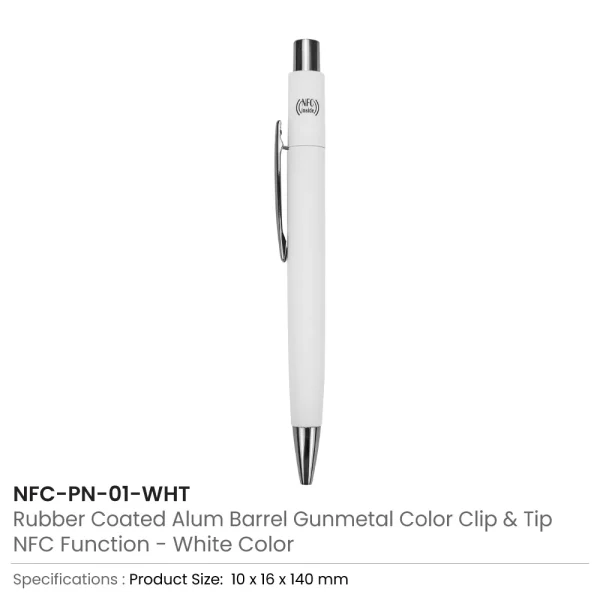
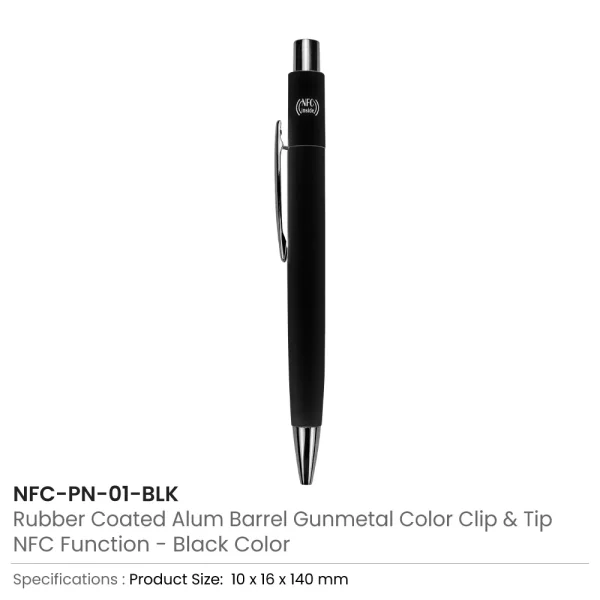
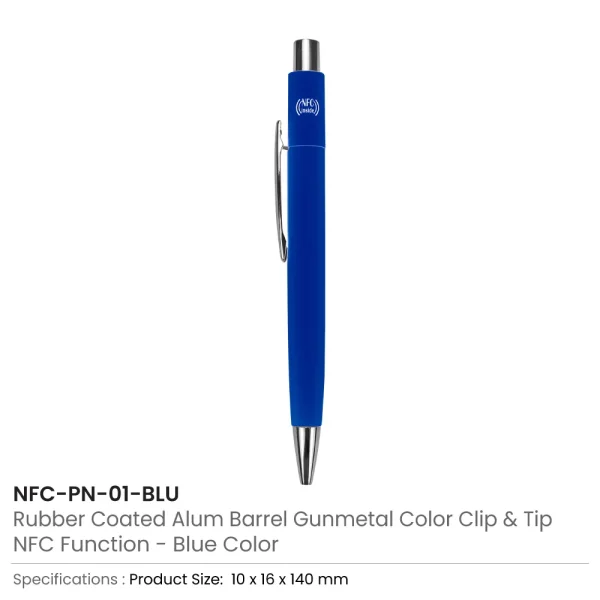
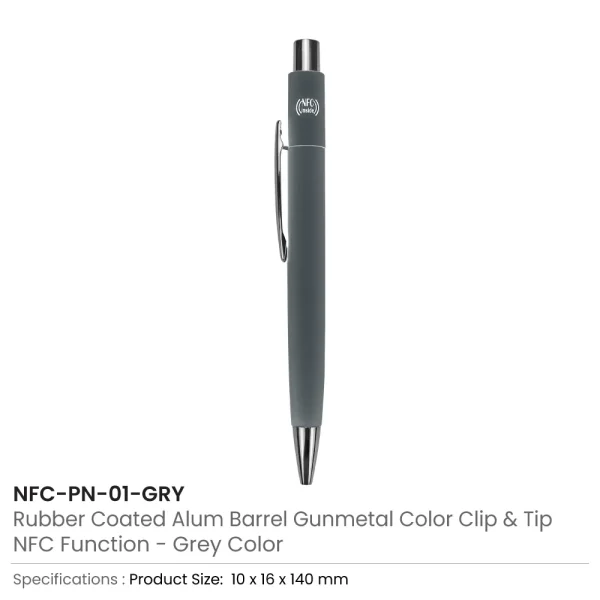

NFC Smart Pens – Tap to Share Website, Contact & Social Media
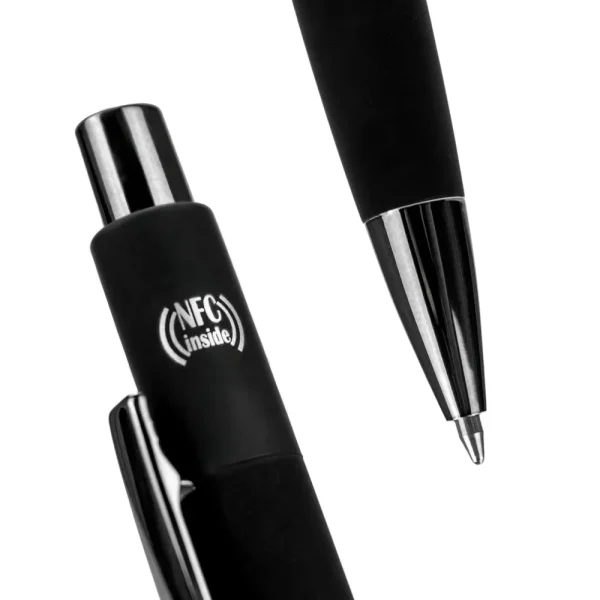
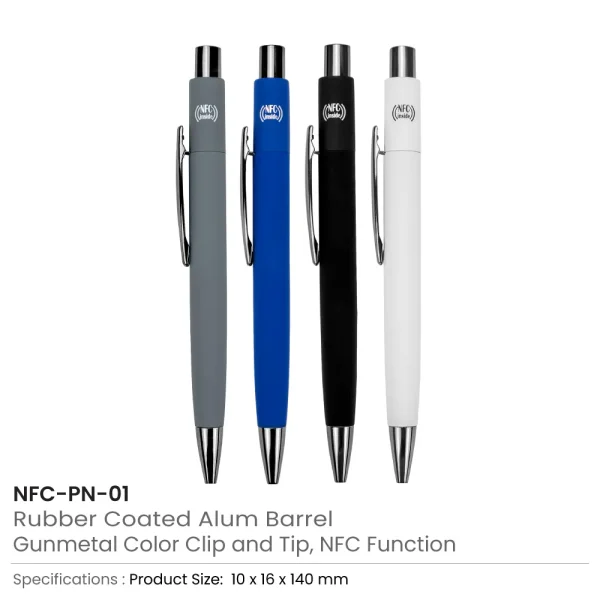
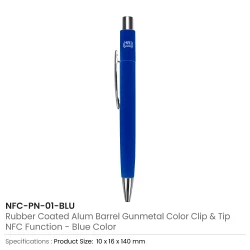
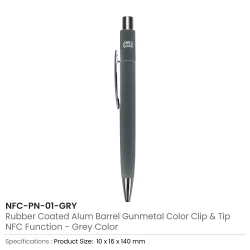
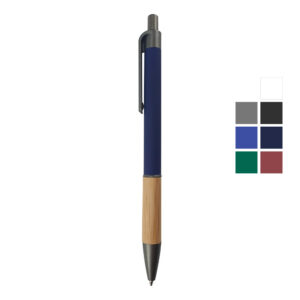
- Material: Rubberized Coated Aluminum Barrel | Item Size: 10 x 16 x 140 mm | Item Weight: 18 grams
- Features: NFC Integrated | Mechanism: Push Button | Ink: Blue | Packaging: Individual Polybag only.
Packaging Details |
||
|---|---|---|
| Pcs in Carton Box | Carton Weight | Carton Box Size |
| 500 | 9.5 kg | 32 x 26.5 x 19 cm |
NFC Pen Printing Options
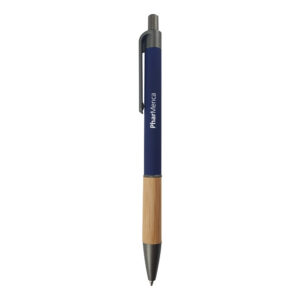
- Laser Marking – permanent engraved logo finish | UV Printing – vibrant full-color logo printing.
Download low res image
Download all images As a zip
Download printing instruction As a pdf
Customize Quotation Sheet

- Description
- Printing Area Details & Dimension
- Application & Presentation
- FAQs
- Packaging Details
- Reviews (0)
Description
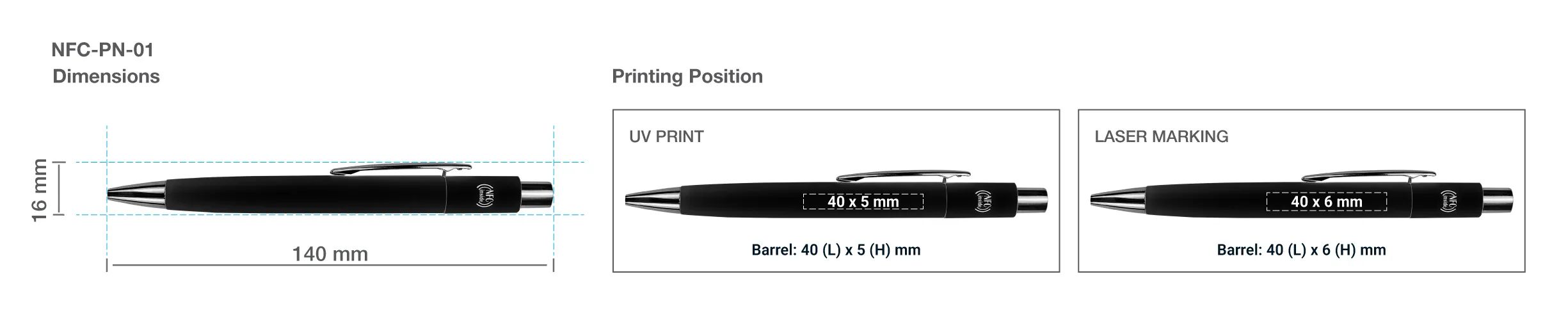
Printing Area Details and Dimension
NFC Smart Pens – Tap to Share Website, Contact & Social Media
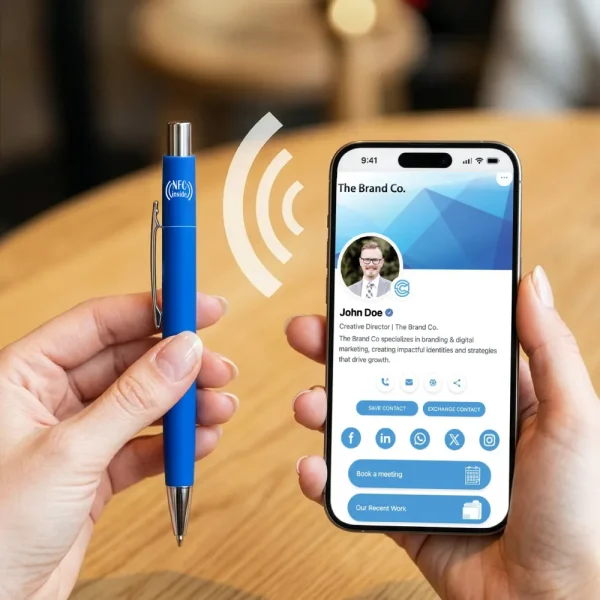
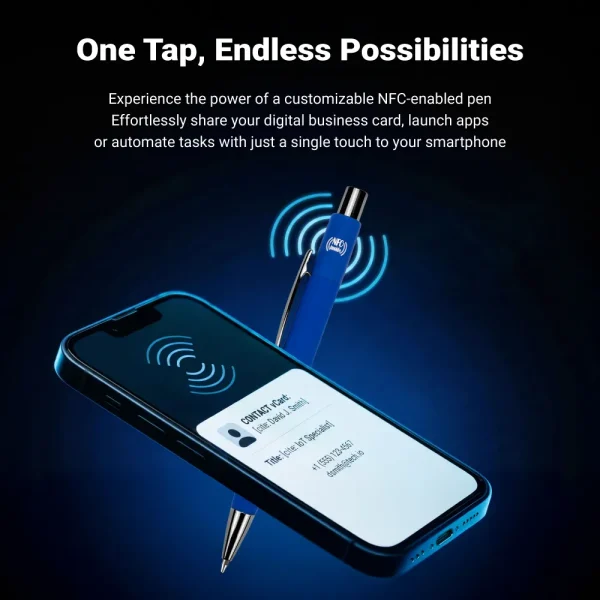
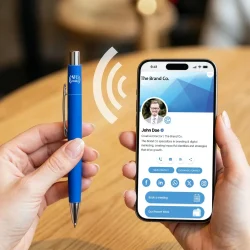
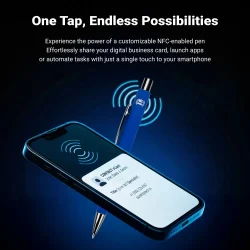
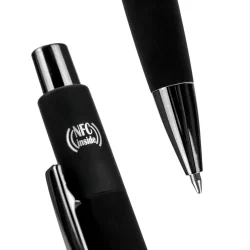
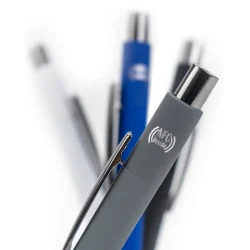
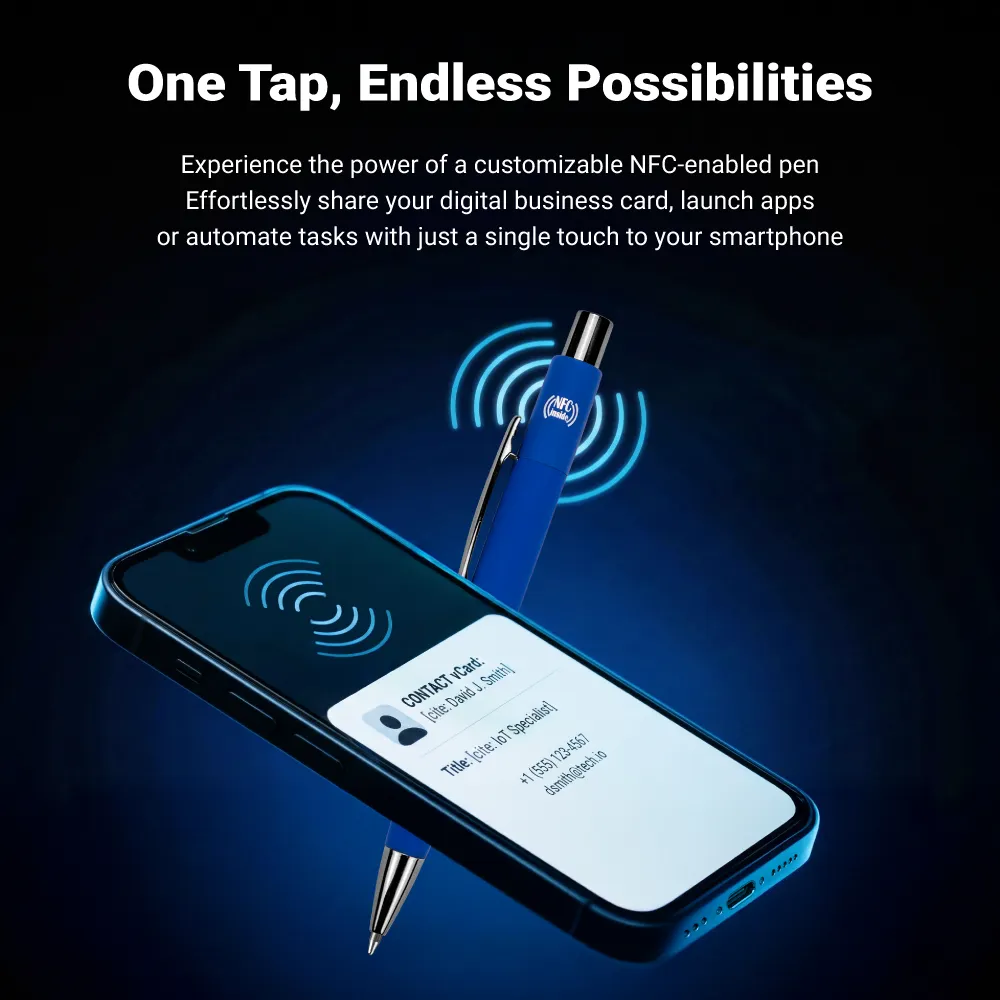
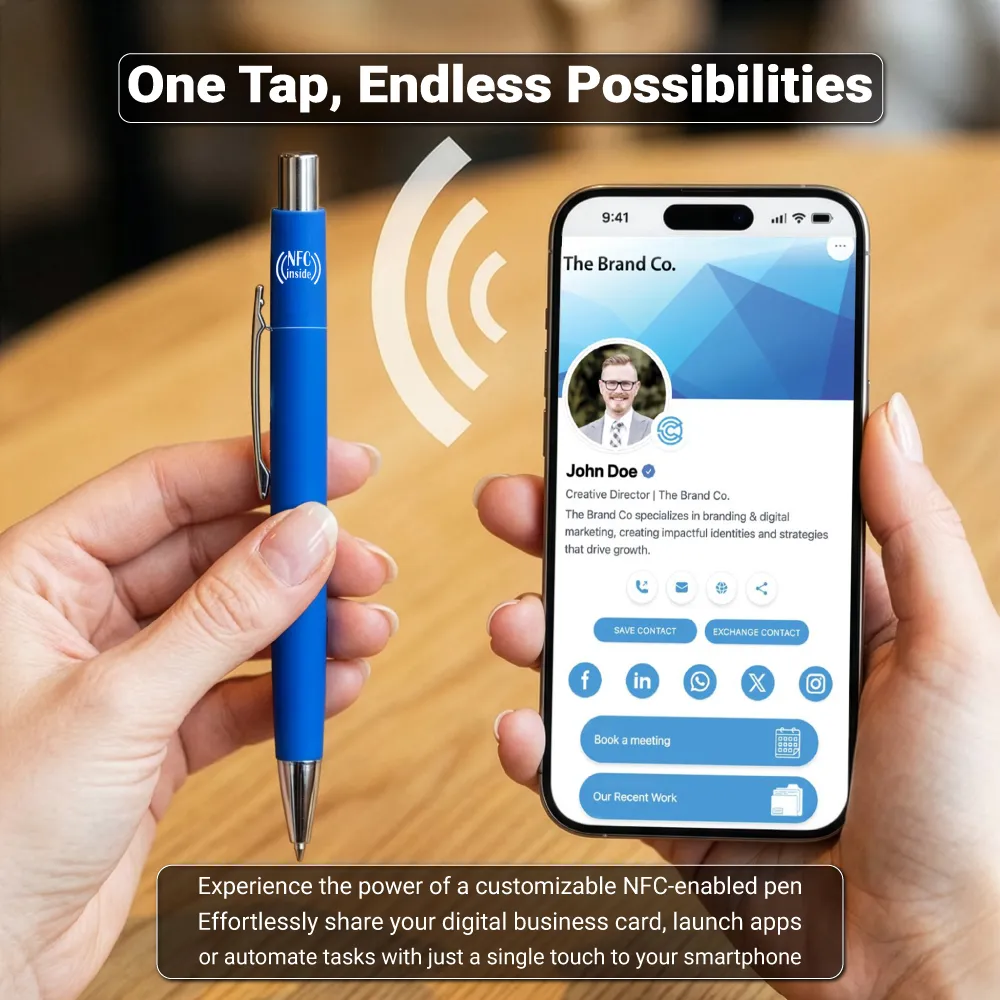
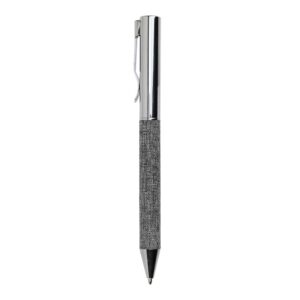
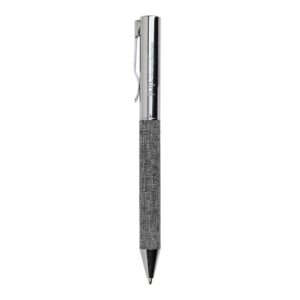
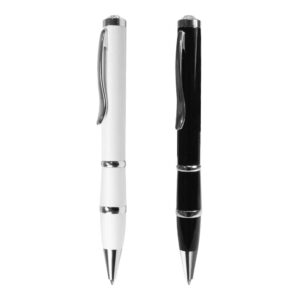
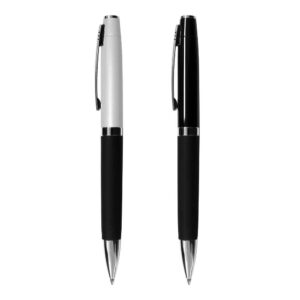
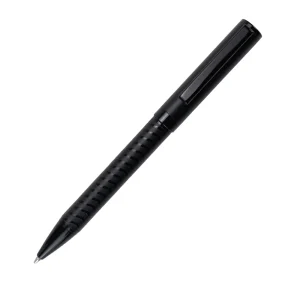
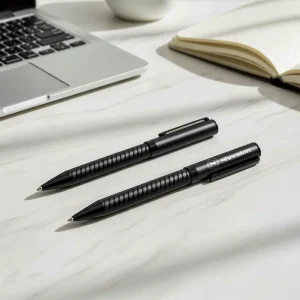
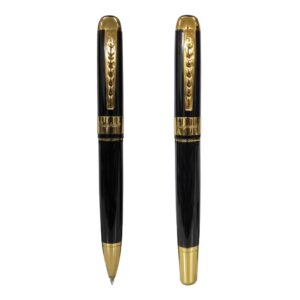
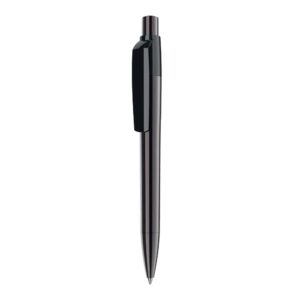
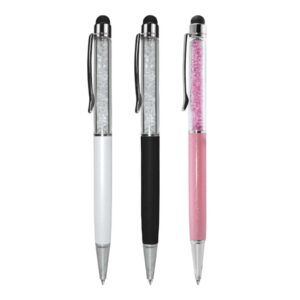
Innovative NFC Smart Pens are designed to combine everyday writing functionality with modern digital sharing technology. Made with a premium rubberized coated aluminum barrel, this smart pen features a built-in NFC chip that allows instant data sharing with a simple tap on an NFC-enabled smartphone. Ideal for business networking, corporate promotions, exhibitions, and modern marketing campaigns.
 Specification
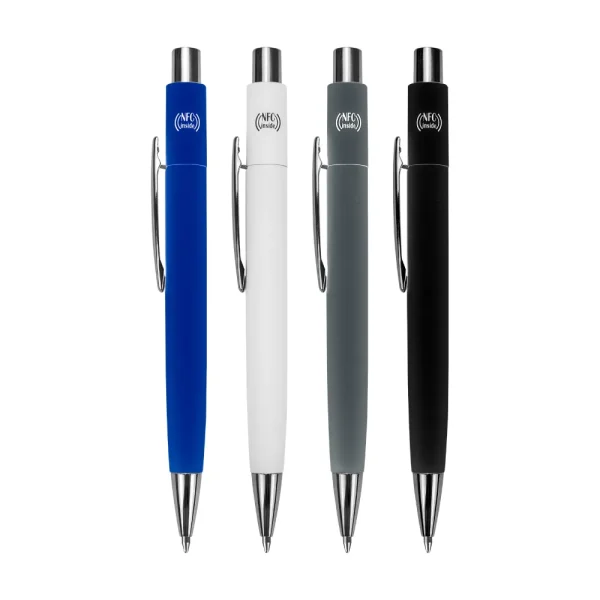
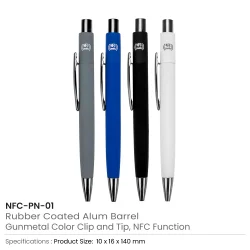
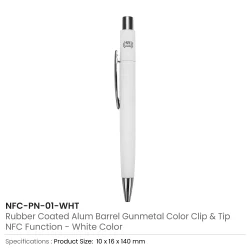
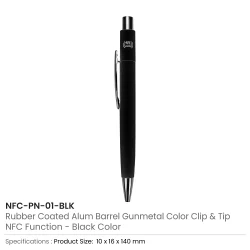
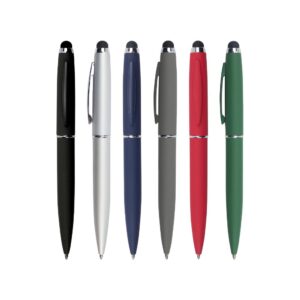
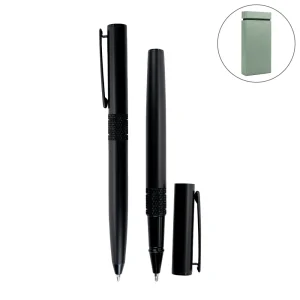
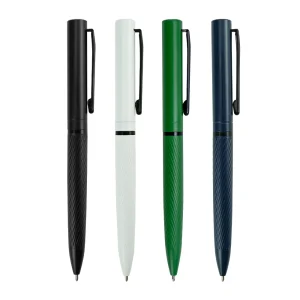
- Material: Rubberized Coated Aluminum Barrel
- Item Size: 10 x 16 x 140 mm | Weight: 18 grams
- Technology: Built-in NFC Function
- Mechanism: Push Button
- Pen Type: Ball Pen | Ink Color: Blue
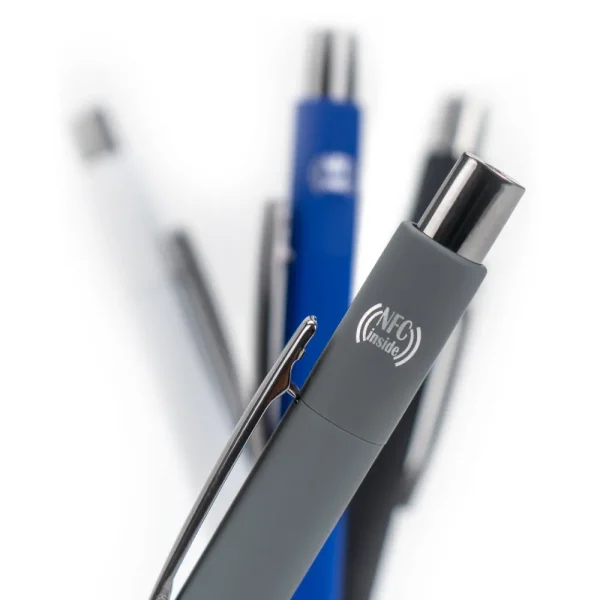
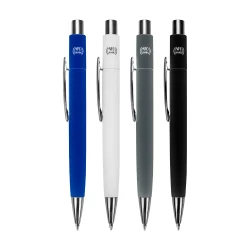
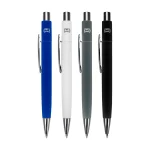
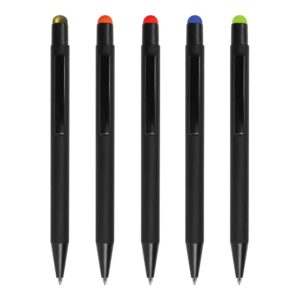
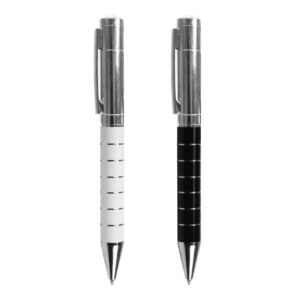
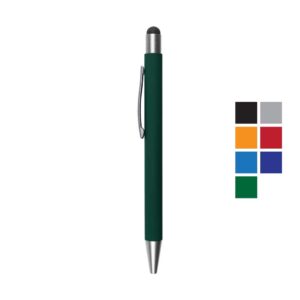
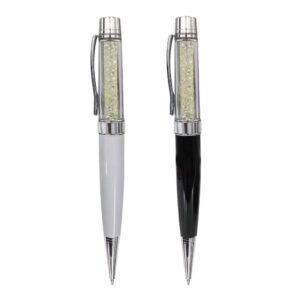
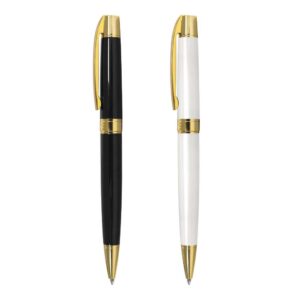
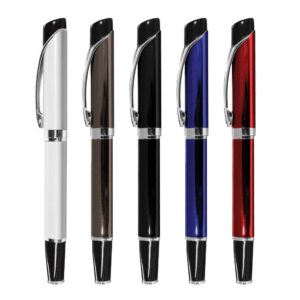
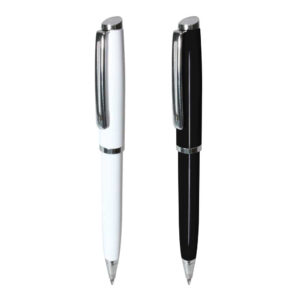
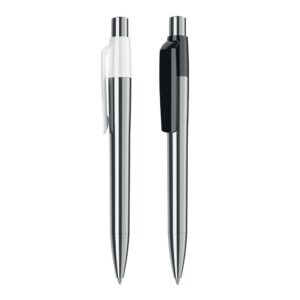
- Available Colors: White, Black, Blue, Grey
- Packaging: Individual Polybag
Uses of NFC Smart Pens
- Digital business card sharing
- Instant website access via tap
- Sharing contact details during meetings
- Exhibition and trade show networking
- Corporate promotional campaigns
- Product launch and event marketing
- Real estate and sales team networking
- Technology-driven brand promotions
This smart pen enhances traditional branding by combining physical merchandise with digital engagement, making it a powerful promotional tool.
Printing Options
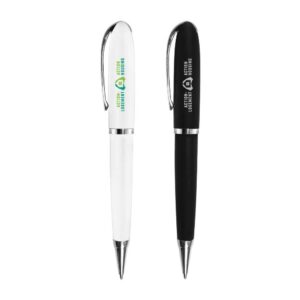
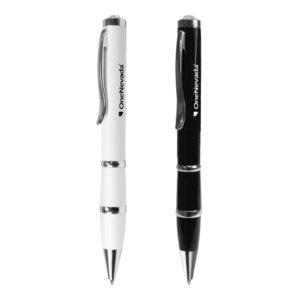
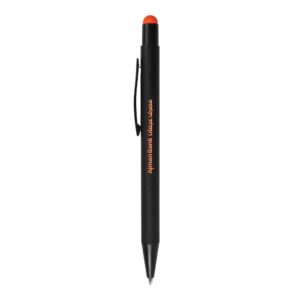
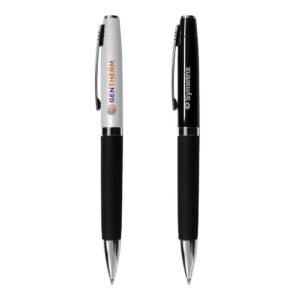
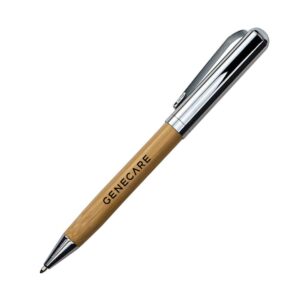
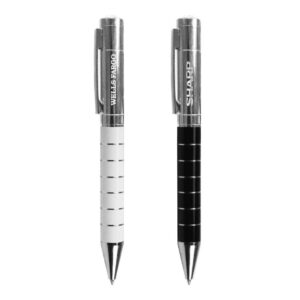
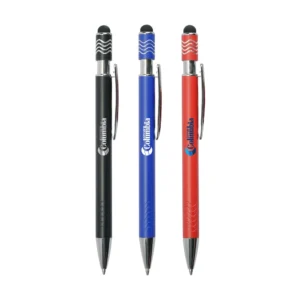
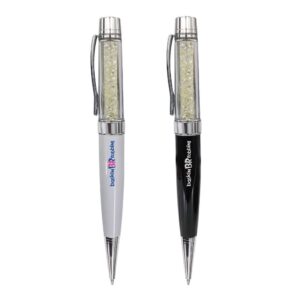
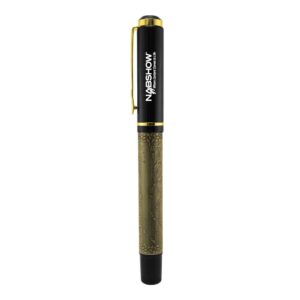
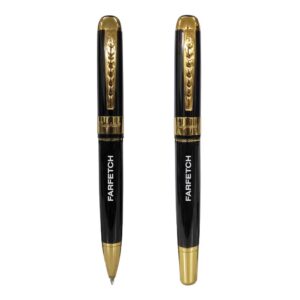
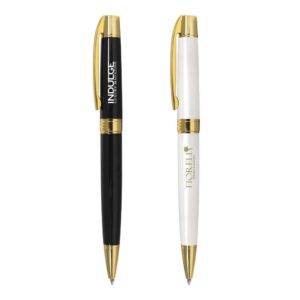
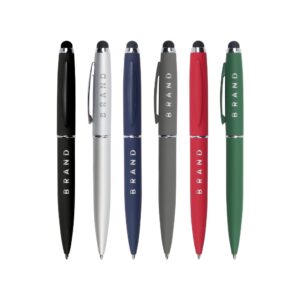
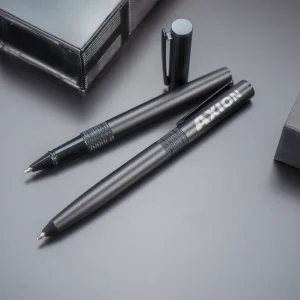
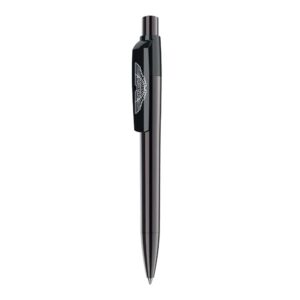
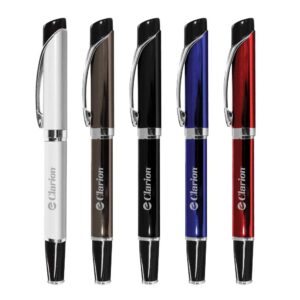
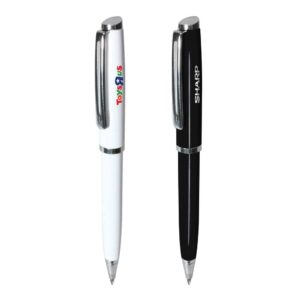
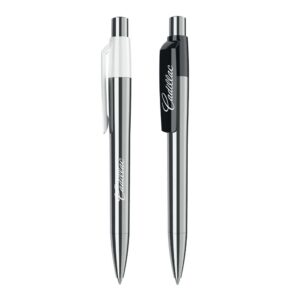
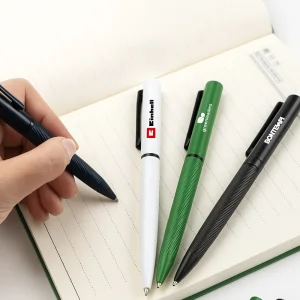
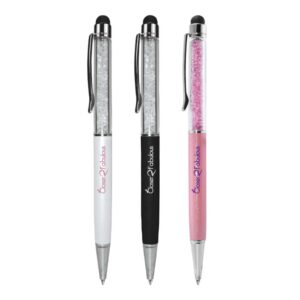
- Laser Marking – permanent engraved logo finish
- UV Printing – vibrant full-color logo printing
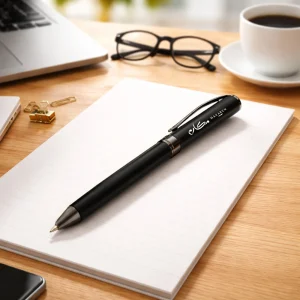
Recommended Branding Area: Barrel Surface — suitable for company logo, website URL, or QR code.
FAQs
1. What is an NFC Smart Pen?
An NFC Smart Pen is a pen with a built-in NFC chip that allows users to share digital content, such as a website, contact details, or social media, with a simple tap on an NFC-enabled smartphone.
2. Do I need an app to use the NFC pen?
No. Most NFC-enabled smartphones can read the NFC chip instantly without installing any app.
3. What can the NFC pen share when tapped?
The pen can open a website, display a digital business card, save contact details, or link to social media profiles.
4. Can the NFC Smart Pen be customized with a logo?
Yes. The pen can be branded using Laser Marking (engraved logo) or UV Printing (full-color logo) on the barrel.
5. Where can NFC Smart Pens be used?
They are ideal for business networking, corporate promotions, exhibitions, trade shows, and marketing campaigns.
6. How to Write / Program an NFC Pen?
1. Install NFC Writing App
Install NFC Tools on your phone.
Turn NFC ON in your phone settings.
2. Open Write Mode
Open the app and go to:
Write → Add Record
You will see options like:
URL / URI / Text / Contact / Phone / Email / WiFi
Most people use URL / URI.
3. Enter the Link You Want
Example options you can program:
Website: https://yourwebsite.com
WhatsApp Chat: https://wa.me/971501234567
Digital Business Card: https://bit.ly/mycard
After entering the link, press OK.
4. Write to the NFC Pen
Tap:
Write
Now bring the top part of the pen close to the back of your phone.
The app will show:
✅ Write Successful
Your NFC pen is now programmed.
FAQs
1. What is an NFC Smart Pen?
An NFC Smart Pen is a pen with a built-in NFC chip that allows users to share digital content, such as a website, contact details, or social media, with a simple tap on an NFC-enabled smartphone.
2. Do I need an app to use the NFC pen?
No. Most NFC-enabled smartphones can read the NFC chip instantly without installing any app.
3. What can the NFC pen share when tapped?
The pen can open a website, display a digital business card, save contact details, or link to social media profiles.
4. Can the NFC Smart Pen be customized with a logo?
Yes. The pen can be branded using Laser Marking (engraved logo) or UV Printing (full-color logo) on the barrel.
5. Where can NFC Smart Pens be used?
They are ideal for business networking, corporate promotions, exhibitions, trade shows, and marketing campaigns.
6. How to Write / Program an NFC Pen?
1. Install NFC Writing App
Install NFC Tools on your phone.
Turn NFC ON in your phone settings.
2. Open Write Mode
Open the app and go to:
Write → Add Record
You will see options like:
URL / URI / Text / Contact / Phone / Email / WiFi
Most people use URL / URI.
3. Enter the Link You Want
Example options you can program:
Website: https://yourwebsite.com
WhatsApp Chat: https://wa.me/971501234567
Digital Business Card: https://bit.ly/mycard
After entering the link, press OK.
4. Write to the NFC Pen
Tap:
Write
Now bring the top part of the pen close to the back of your phone.
The app will show:
✅ Write Successful
Your NFC pen is now programmed.
Additional information
| Weight | 0.018 kg |
|---|---|
| Dimensions | 1.0 × 1.6 × 14.0 cm |
| Color | |
| HS Code | 9608100000999 |
| Country of Origin | China |







Reviews
There are no reviews yet.